Custom Recorded Violin or Fiddle Tracks
Thousands of Unique Violin | Fiddle | String Loops
Recording Services
Custom Recorded Violin | Fiddle | String Tracks.
If you need a violin or fiddle track recorded specifically for your project, don’t hesitate to reach out and we can discuss your project to see if we can help.
Below are the detailed instructions on how to prepare the guide mix of your song. These few simple steps can smooth the whole process.
As always, please check first to make sure that we can schedule the work to fit in with your production timeline.
How To Submit Your Project
Create a Guide Mix
Create a guide mix of your song that includes all of the tracks you are planning to keep in your final mix. If the vocal track is a placeholder scratch, mix it lower than you would for your final mix to avoid influencing the pitch or timing of the new violin or fiddle tracks being recorded.
It is always advisable to export or “bounce out” your mix starting at the very beginning of your session, not just the beginning of the song. The exception would be if the song is exremely long and the violin or fiddle is only going to start at or near the end. In that case, exporting the mix starting a few bars before the violin/fiddle section is generally sufficient.
Audible Cues
Please include your "count in" click, or have some audible cue in your guide mix before the song actually starts. We will embed that count in click on all of the finished tracks you get back so that you can accurately line them up with your existing mix. After you have positioned your new files in your DAW session, simply mute or erase the cue markers.
File Transfer
If you would like to email your guide track mix, please compress to an mp3 or Apple M4A or AAC. Alternatively, you can FTP the full resolution WAV or AIFF mix using your preferred file transfer service and just email the download link. Many of our clients use WeTransfer which has a free option sufficient for files of this size.
Important Information to Include
To email your mp3 or AAC file, please send it to the contact link in the top menu. In the e-mail message itself, please indicate the following information:
1) Tempo in BPM (beats per minute) if applicable
2) File format you want to get back (WAV or AIFF)
3) Preferred resolution - 16 or 24 bit and 44.1, 48, 88.2 or 96 KHz
4) Tuning if other than A 440
5) Arrangement instructions if you have something specific in mind
Synchronize Your New Track
After you have imported your new violin or fiddle tracks into your DAW, line up the start point for all the new string tracks and slide or nudge them so that the count in click or audio cue on the string tracks line up with the same click or cue in your existing session. You can zoom in to do this visually and also listen for flanging, this indicates that they are locked.
Questions?
Please don’t hesitate to reach out if you have any questions about this procedure. Just click the contact link here or at the top of the page.
Serve The Song
The most important component in any musical project is the song itself.
This artistic imperative takes precedence over any displays of technical virtuosity by individual musicians. If we listen carefully, the song will tell us what it wants. Often this does not equate to lots of notes, just carefully selected and well placed ones. Sonic interest is created by the spaces between the notes as much as the notes themselves. As in sculpture, the artwork can emerge from what is taken away.
In order for musicians to effectively sense how to do this, it requires us to metaphorically climb inside of the song and feel our way around. Thought always interferes with flow so don’t over think what you’re doing, simply listen as you play.
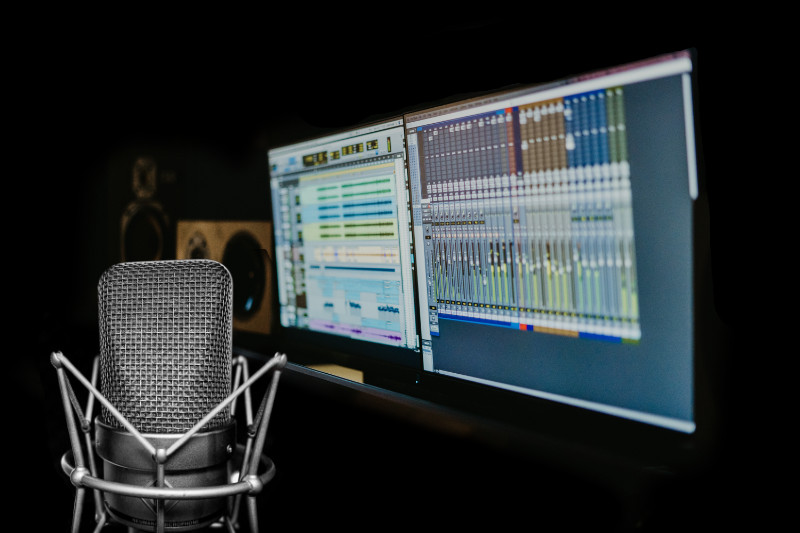
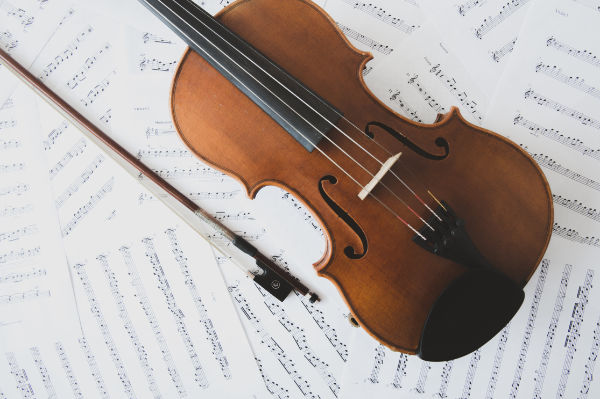
Melody and rhythm are obviously important but so is tone or timbre. In order to ensure that all of the subtle characteristics of the violin’s unique string, rosin and wood tone are captured accurately, we use Neumann and DPA microphones, Avalon tube preamps and Apogee or RME A/D converters.
It is absolutely crucial to connect with the emotional essence of the song when adding any part. This is no different than the way an actor approachs the protrayal of a character. Art is Art. Subjective as it may be, we all sense when it is authentic.
Capturing the Ephemeral Art
Music is a temporal art form meaning it exists across time and arguably only in real time. Recorded music is actually a replica of music that has already happened, although it can still convey the emotional intention of that past moment. Recording is the attempt to capture the magic that may spontaneously occur when the musicians converse in this particual language.
Being that it is essentially an emotional language, music communicates feelings that might otherwise be ineffable. When reverse engineered on a cognative level, music can also be understood as physics and math. It is comprised of different frequencies of sound oscillation interacting with each other as harmonic and dissonant intervals in rhytmic patterns.
While not everyone can speak music fluently, everyone comprehends it intuitively from birth. - Ian Cameron - aka. efiddler